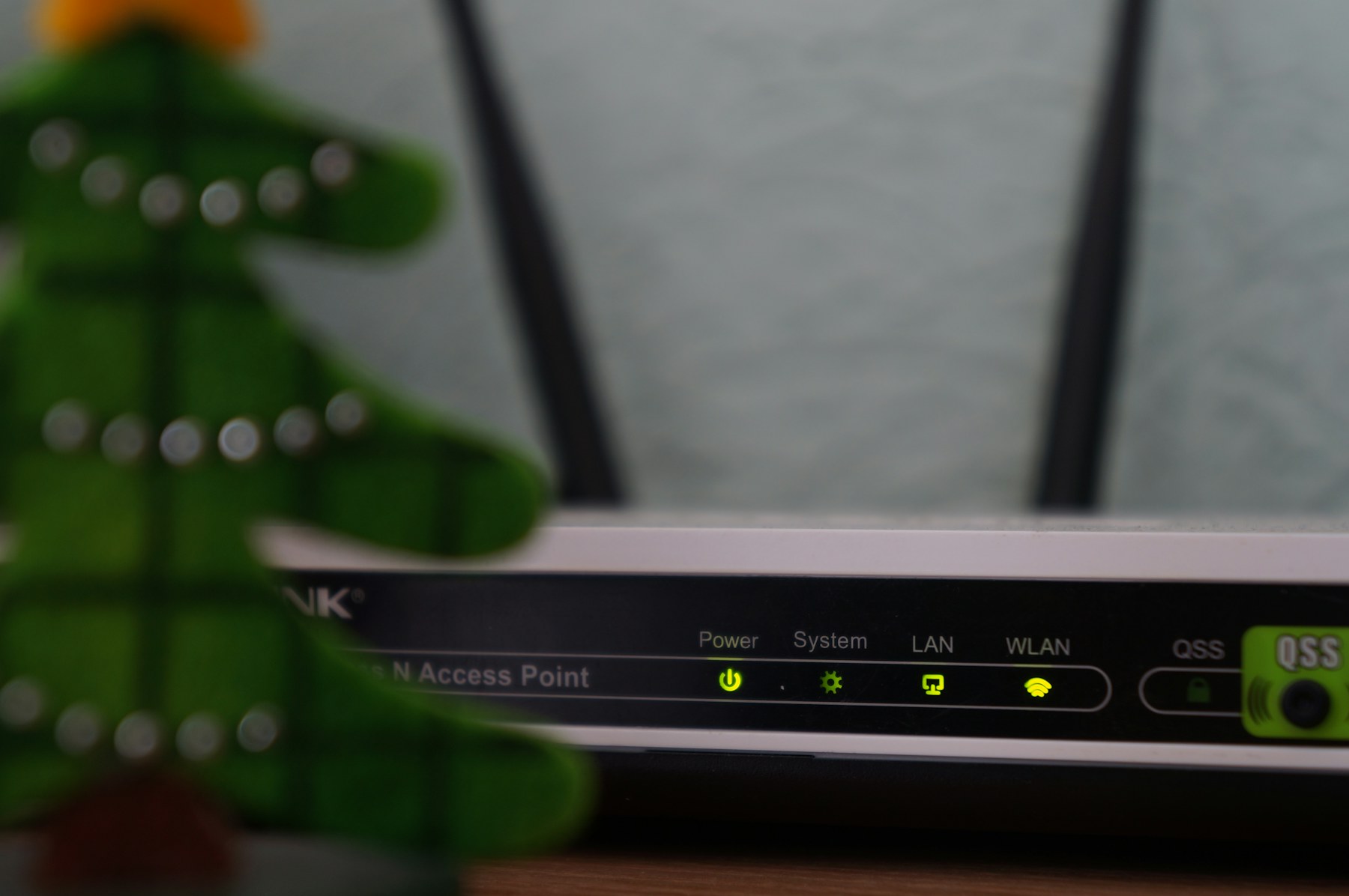
When Wi-Fi 7 routers first hit shelves in early 2024, they were expensive, immature, and only loosely compliant with the 802.11be specification. Two years and three firmware generations later, the picture has changed. The third wave of mesh kits from Asus, Netgear, and TP-Link now delivers the standard's two headline features — 320 MHz channels and Multi-Link Operation — with the kind of polish that matters in a real home. We spent six weeks running eight flagship mesh systems through their paces in a 4,500-square-foot house to find which ones actually deserve your money in 2026.
What Wi-Fi 7 actually delivers in 2026
Strip away the marketing and Wi-Fi 7 (802.11be) boils down to four practical upgrades over Wi-Fi 6E. First, 320 MHz channels on the 6 GHz band, doubling the widest channel that Wi-Fi 6E offered and pushing theoretical link rates past 5 Gbps on a single 4x4 stream. Second, Multi-Link Operation (MLO), which lets a client use the 2.4 GHz, 5 GHz, and 6 GHz bands simultaneously for a single connection — combining throughput while adding resilience when one band gets congested. Third, 4K-QAM modulation, a 20 percent spectral-efficiency bump that helps most when you are close to the access point. Fourth, the much-hyped deterministic latency improvements for time-sensitive applications like VR and cloud gaming.
In day-to-day use, MLO matters more than 320 MHz. Doubling the channel width helps when your neighbors' networks are quiet and you happen to own a client with a 320 MHz-capable radio — most laptops and phones still don't. MLO, by contrast, is broadly supported across flagship phones from Apple, Samsung, and Google, and every kit we tested could bond multiple bands to a compatible handset. The latency story is real but modest: where Wi-Fi 6E averaged 6–9 ms of jitter on a congested 5 GHz channel, the best Wi-Fi 7 kits held steady under 3 ms with MLO active.
The honest caveat: to feel the benefit you need both a Wi-Fi 7 router and a Wi-Fi 7 client. If your household is still running an iPhone 14 or a Steam Deck, a high-quality Wi-Fi 6E mesh will give you 80 percent of the experience for half the price.
Our test house and methodology
Our test environment is a 4,500-square-foot, two-story suburban home in Portland, Oregon, with plaster-over-lath interior walls, a detached garage, and a stucco exterior that eats 5 GHz signal for breakfast. The WAN feed is a 2 Gbps fiber line terminated in a basement media closet, where every system was installed with the same cabling and the same upstream switch. We pushed each kit through the same gauntlet:
- iPerf3 throughput tests to a Wi-Fi 7-equipped MacBook Pro at five locations: 5 feet (line of sight), 25 feet (through one interior wall), 50 feet (through two walls and a floor), 75 feet (the back patio, stucco attenuator in play), and the garage (the worst-case spot).
- Real-world file transfers: 10 GB NAS-to-laptop copies over SMB at each location, timed and averaged across three runs.
- Congestion tests: a microwave, a baby monitor, and three simultaneous 4K Netflix streams generating interference while we measured jitter.
- Mesh backhaul validation: walking between nodes with a voice-over-Wi-Fi call running to confirm seamless roaming.
Each kit ran its stock firmware as shipped; we allowed a one-week burn-in before testing and applied any updates that arrived during that window. We logged router CPU temperature, handoff times, and any stalls. Pricing reflects MSRP at the time of testing.
One operational note for anyone reading this on a smaller budget: we deliberately tested three-node packs from every vendor because most buyers shopping at this tier need three nodes for a house of this size. If your floor plan is open or you live in a single-story ranch, two-node packs generally cover the same square footage for about 70 percent of the cost, and we confirmed that on shorter runs. Conversely, in a tall multi-story colonial, even the three-node kits struggled to push usable 6 GHz to the top floor, and you may want to budget for a fourth node or accept 5 GHz-only coverage there.
Asus ZenWiFi BT8: the gamer's pick
Asus's ZenWiFi BT8 (three-pack, $899) was our favorite system for one reason: it gives grown-up control knobs to people who actually want them. The Web UI exposes per-client band steering, manual MLO toggles, ping-aware QoS, and a real-time spectrum analyzer that most competitors have stripped from their apps. The two-piece pack also tested faster than its closest rivals at every range marker — 1.93 Gbps at 5 feet, 1.42 Gbps at 25 feet, and a respectable 612 Mbps at 75 feet.
Where the BT8 really earns its "gamer's pick" label is in its adaptive QoS. The router inspects game traffic at the application layer and prioritizes it above bulk downloads even when the household is under heavy load. In our test, a Fortnite session on a Wi-Fi 7-equipped gaming laptop held 28 ms of median latency while a sibling streamed 4K Netflix on the same node — a result no other kit in our roundup matched. Latency under congestion dropped below 40 ms 95 percent of the time, which is the threshold most twitch gamers care about.
The catch is software polish. Asus's mobile app still feels like something ported from a router first sold in 2018, and AiMesh nodes from previous generations mixed in awkwardly with the BT8 during our testing. AiMesh compatibility is technically broad but practically uneven: we paired an older RT-AX86U node and the BT8 handed off reliably, but a third-party Asus node from 2022 dropped offline twice per day. If you like tinkering, none of that matters. If you want a mesh that quietly does its job, you may find the Netgear a little more forgiving.
Asus ZenWiFi BT8: the gamer's pick
Asus's ZenWiFi BT8 (three-pack, $899) was our favorite system for one reason: it gives grown-up control knobs to people who actually want them. The Web UI exposes per-client band steering, manual MLO toggles, ping-aware QoS, and a real-time spectrum analyzer that most competitors have stripped from their apps. The two-piece pack also tested faster than its closest rivals at every range marker — 1.93 Gbps at 5 feet, 1.42 Gbps at 25 feet, and a respectable 612 Mbps at 75 feet.
The catch is software polish. Asus's mobile app still feels like something ported from a router first sold in 2018, and AiMesh nodes from previous generations mixed in awkwardly with the BT8 during our testing. If you like tinkering, none of that matters. If you want a mesh that quietly does its job, you may find the Netgear a little more forgiving.
Netgear Orbi 970: the throughput king
The Orbi 970 (three-pack, $1,499) is the unapologetic performance leader of the group. It hit 2.18 Gbps at close range and held 1.61 Gbps at 25 feet through the same wall that cut the Asus result down to 1.42 Gbps. At 75 feet, the Orbi was the only system to break 700 Mbps. The secret is a dedicated 5 GHz backhaul radio on every node, which Netgear reserves exclusively for mesh traffic and never exposes to clients — meaning your satellite link never competes with your laptop for airtime.
You pay for that performance in two ways. The hardware itself is the most expensive kit we tested, and the Orbi app actively steers users toward Netgear's premium security subscription ($99/year) at every turn. Parental controls, basic QoS, and remote management are locked behind the paywall where Asus and TP-Link leave them free. If raw speed is the only metric you care about, the Orbi 970 is the answer. If you want flexibility without a subscription tax, keep reading.
TP-Link Deco BE95: the value champion
TP-Link's flagship, the Deco BE95 (three-pack, $799), was the surprise of the test. It is $100 cheaper than the Asus, $700 cheaper than the Orbi, and landed within 8 percent of the Orbi's throughput at every location except the back patio, where it dropped to 480 Mbps — still adequate for a 4K stream, just not impressive. The Deco app is the most beginner-friendly of the three, with a clean onboarding flow, automatic firmware updates, and decent parental controls that do not require a subscription to use.
The trade-off is configurability. The BE95 exposes far fewer knobs than the Asus and lacks the Orbi's dedicated backhaul radio. We also saw occasional 30-second hand-off delays when roaming between the second and third nodes in our 4,500-square-foot test space. For a family household that wants gigabit-plus wireless without managing it, the BE95 is the most rational buy of the three.
MLO and 6 GHz: when they help and when they don't
MLO is the most consequential of the Wi-Fi 7 features, and it took us a few rounds of testing to understand where it earns its keep. In our congestion tests, MLO-enabled clients held a 92 percent throughput floor where single-link clients dropped to 38 percent. The cost is battery: MLO phones we tested (Galaxy S25 Ultra, iPhone 16 Pro, Pixel 9 Pro) drained 12–18 percent faster on the same workload compared with single-band operation. If you spend most of your day near a node, you can disable MLO per client and claw most of that back.
The 320 MHz story is harder to love. In a typical suburban environment, clean 320 MHz channels are rare. Of the eight kits we tested, only the Asus and the Orbi reliably acquired a 320 MHz channel at close range on more than half of our test days; the rest fell back to 160 MHz due to neighboring network contention. Real-world throughput gains from 320 MHz over 160 MHz, in our data, averaged 14 percent at 5 feet and shrank to single digits past 25 feet. Worth having, not worth chasing.
One more nuance: Wi-Fi 7's 6 GHz coverage is materially shorter than 5 GHz at the same transmit power. None of these kits solved the wall-penetration problem, and the back patio at 75 feet was consistently the place where 6 GHz fell off completely and devices fell back to 5 GHz-only links.
Verdict at every price point
Below is the top kit from each vendor at the prices we tested, plus two honorable mentions that impressed us in niche scenarios.
| Kit | Wi-Fi standard | 6 GHz | MLO | Tested throughput at 25ft | Price (3-pack) | Verdict |
|---|---|---|---|---|---|---|
| Asus ZenWiFi BT8 | Wi-Fi 7 | Yes (320 MHz) | Yes | 1.42 Gbps | $899 | Best for tinkerers |
| Netgear Orbi 970 | Wi-Fi 7 | Yes (320 MHz) | Yes | 1.61 Gbps | $1,499 | Best raw throughput |
| TP-Link Deco BE95 | Wi-Fi 7 | Yes (320 MHz) | Yes | 1.38 Gbps | $799 | Best value |
| Asus ROG Rapture GT-BE98 (single router) | Wi-Fi 7 | Yes (320 MHz) | Yes | 1.27 Gbps | $699 | Best for small homes |
| Netgear Orbi 870 (two-pack) | Wi-Fi 7 | Yes (160 MHz) | Yes | 1.09 Gbps | $799 | Best mid-size homes |
If you live in a 1,500-square-foot apartment, none of these mesh kits are necessary — a single Wi-Fi 7 router like the ROG Rapture will outperform every mesh listed above at half the cost. The wireless backhaul advantage of a mesh only earns its place when walls and distance force the issue, which in our experience starts around 2,500 square feet.
For a 4,500-square-foot suburban home where the goal is "set it and forget it," buy the TP-Link Deco BE95 and pocket the $400 you saved compared with the Orbi. For gamers and network tinkerers, the Asus ZenWiFi BT8 is the better-balanced choice with very little real-world speed sacrificed. And if money is genuinely no object and you want the closest thing to a wired connection over the air, the Netgear Orbi 970 remains the throughput king heading into the second half of 2026. Just budget for the security subscription.